Model geometry
Model elements can include walls, slabs, roofs, doors, windows, stairs, and other visible components required for coordination and quantity review.

Existing-condition model support for renovation, coordination, and model-based design workflows.

When the project is running in Revit, the existing building is modelled as a dependable base for design and coordination. Deliverables can be issued as RVT, DWG exports, or both, with level of detail matched to scope, timeline, and downstream consultant needs.
Model elements can include walls, slabs, roofs, doors, windows, stairs, and other visible components required for coordination and quantity review.
Generated views and elevations help teams verify façade geometry, opening locations, and vertical relationships before redesign work starts.
DWG exports and linked CAD backgrounds support consultants who are coordinating outside Revit while preserving one source geometry model.
Roof planes, slopes, parapets, and major exterior components can be modelled where those items affect design, access, or estimating.
Drag the handle to compare the CAD/wireframe view against the model view.
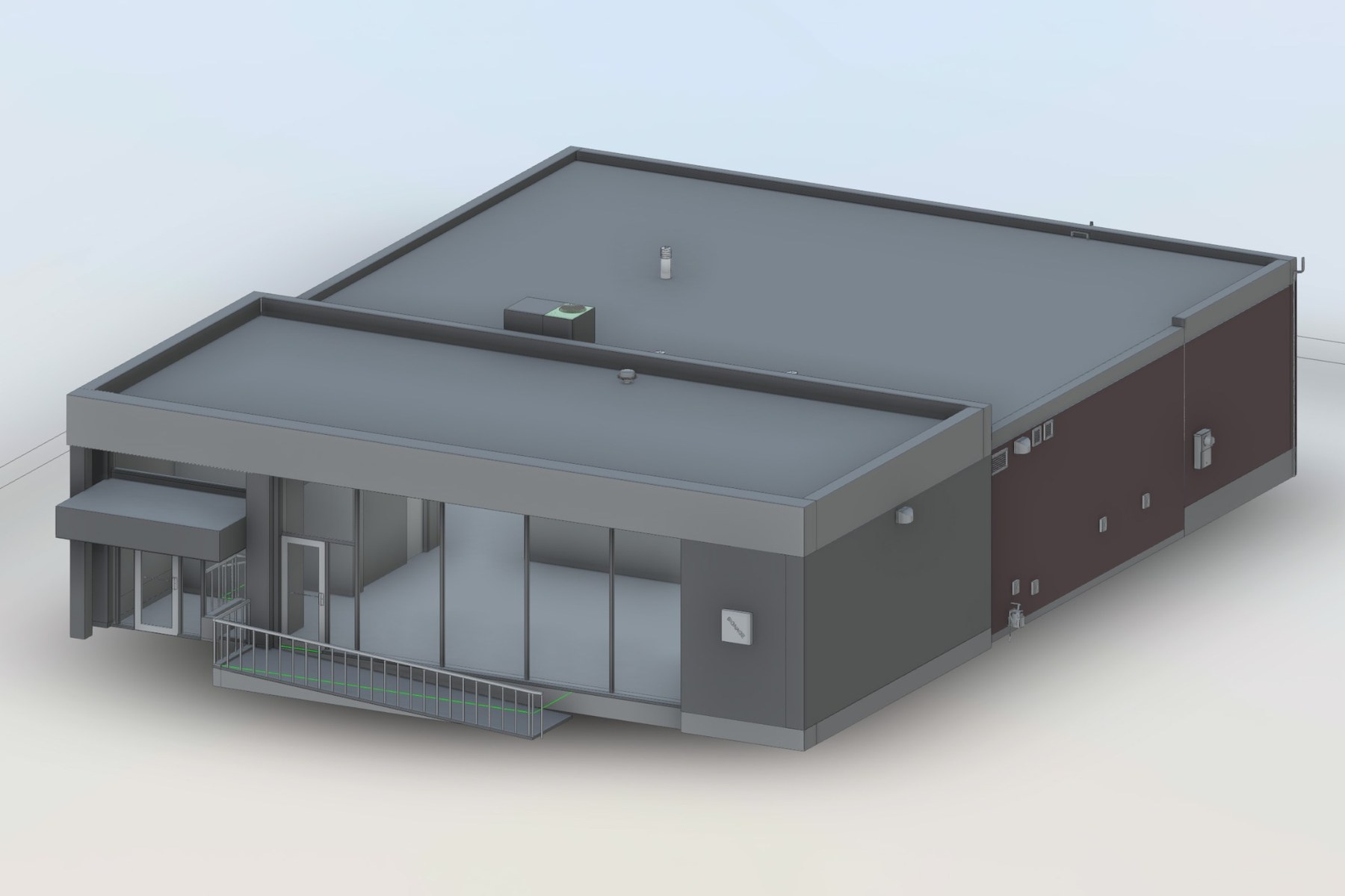
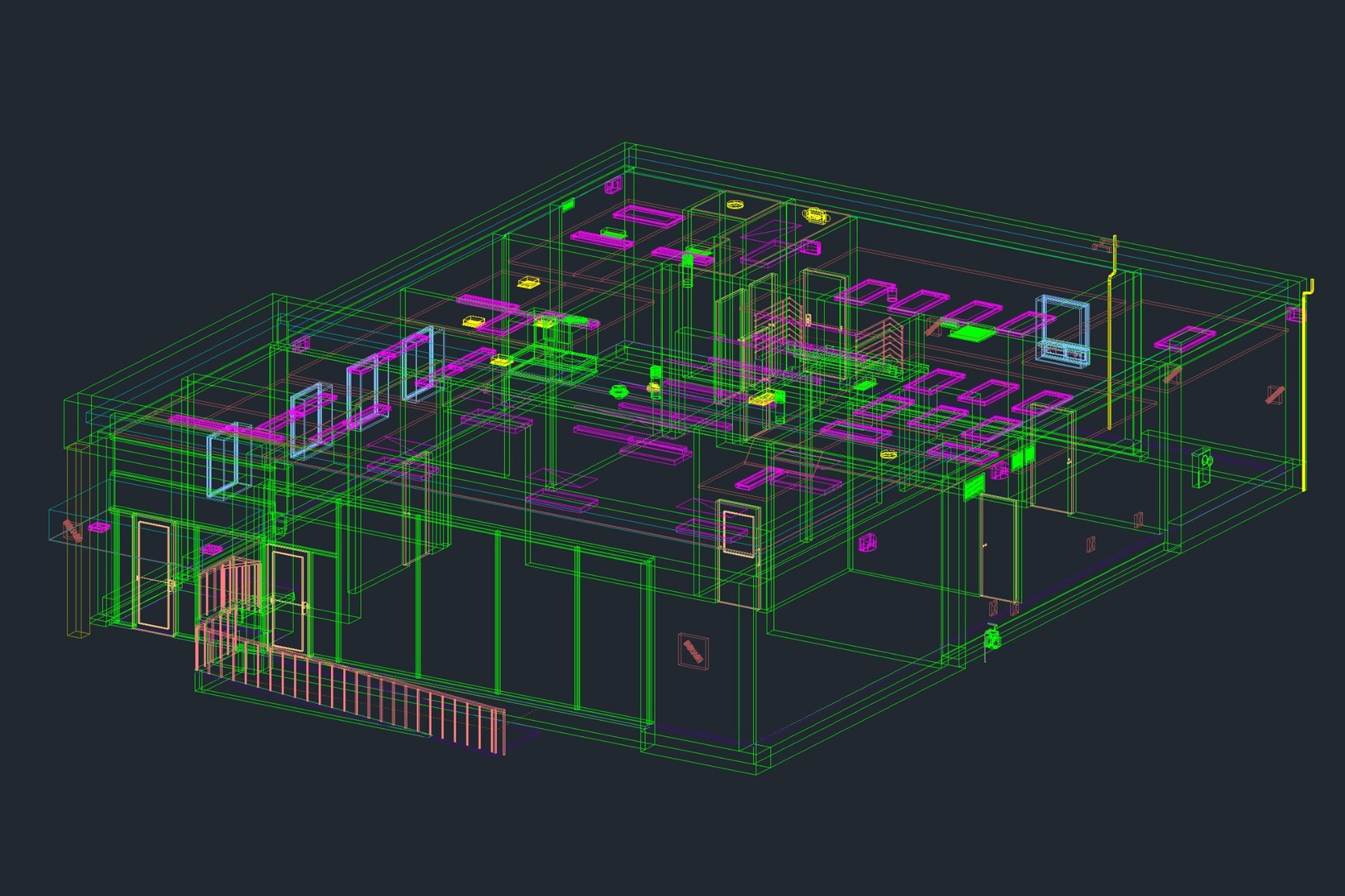
This comparison illustrates how source geometry is organized into a coordinated residential model view.
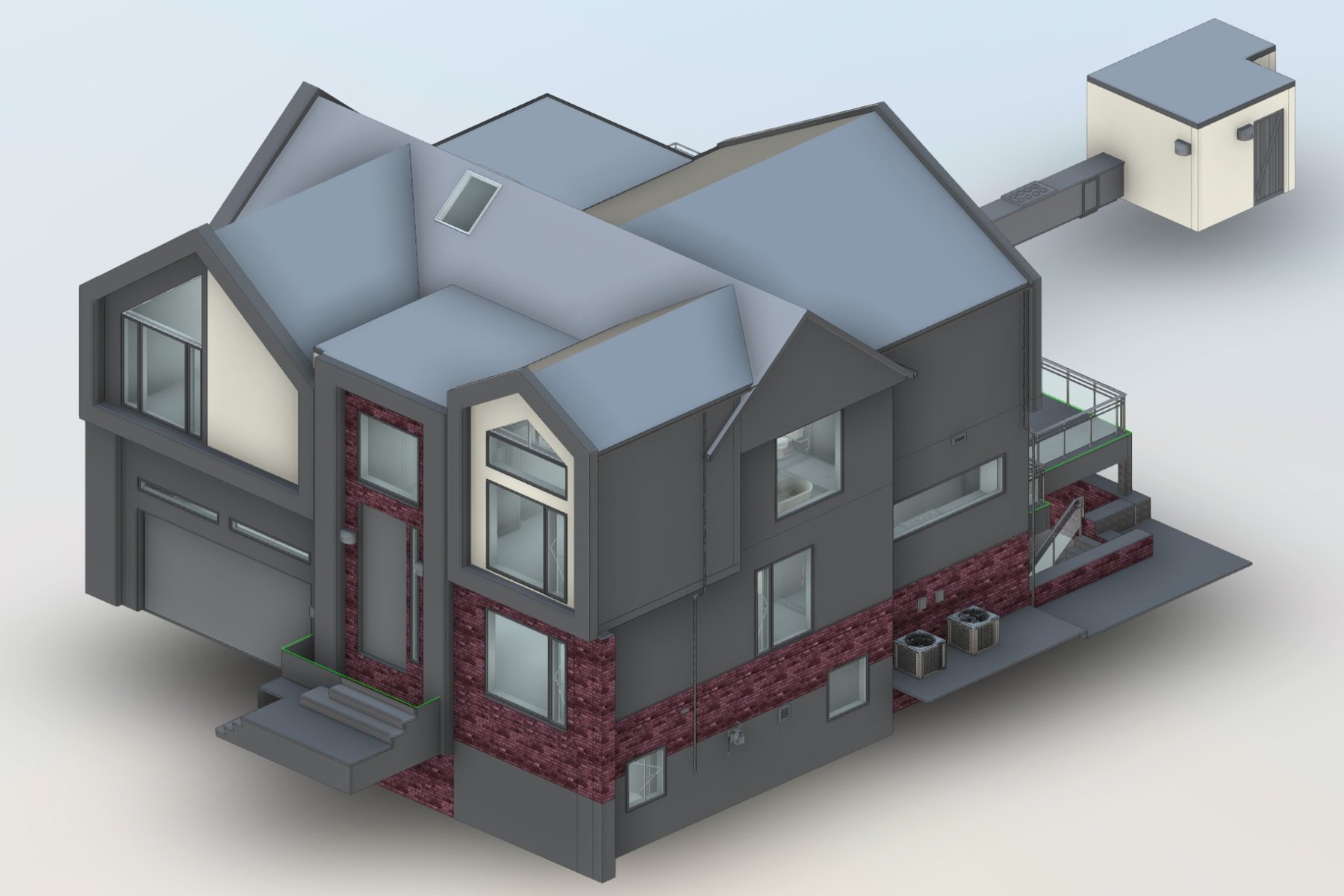
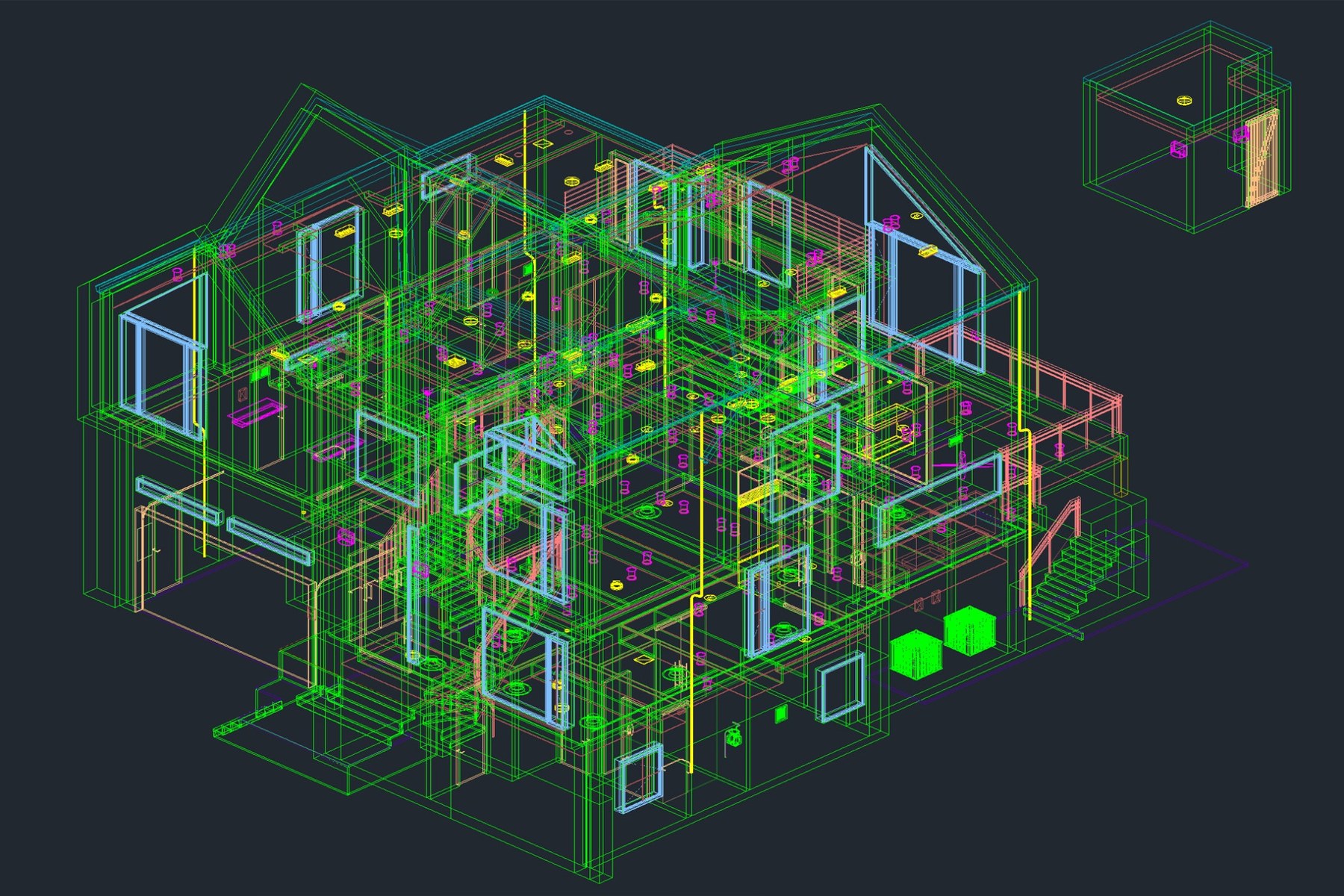
Typical use cases include renovation planning, additions, clash review, and multi-discipline coordination. The main benefit is that every consultant references the same existing-condition geometry instead of rebuilding it independently.